If you run a business in Hyderabad — a D2C brand in Kukatpally, a clinic chain in Banjara Hills, or an IT services firm in Madhapur — you’ve probably got the same problem: too many hours going into copy-paste work between apps. New lead comes in on a Facebook form, someone types it into a Google Sheet, someone else sends the WhatsApp follow-up. Automation tools fix exactly this. And in 2026, the n8n vs Make vs Zapier question is the one every business owner asks first.
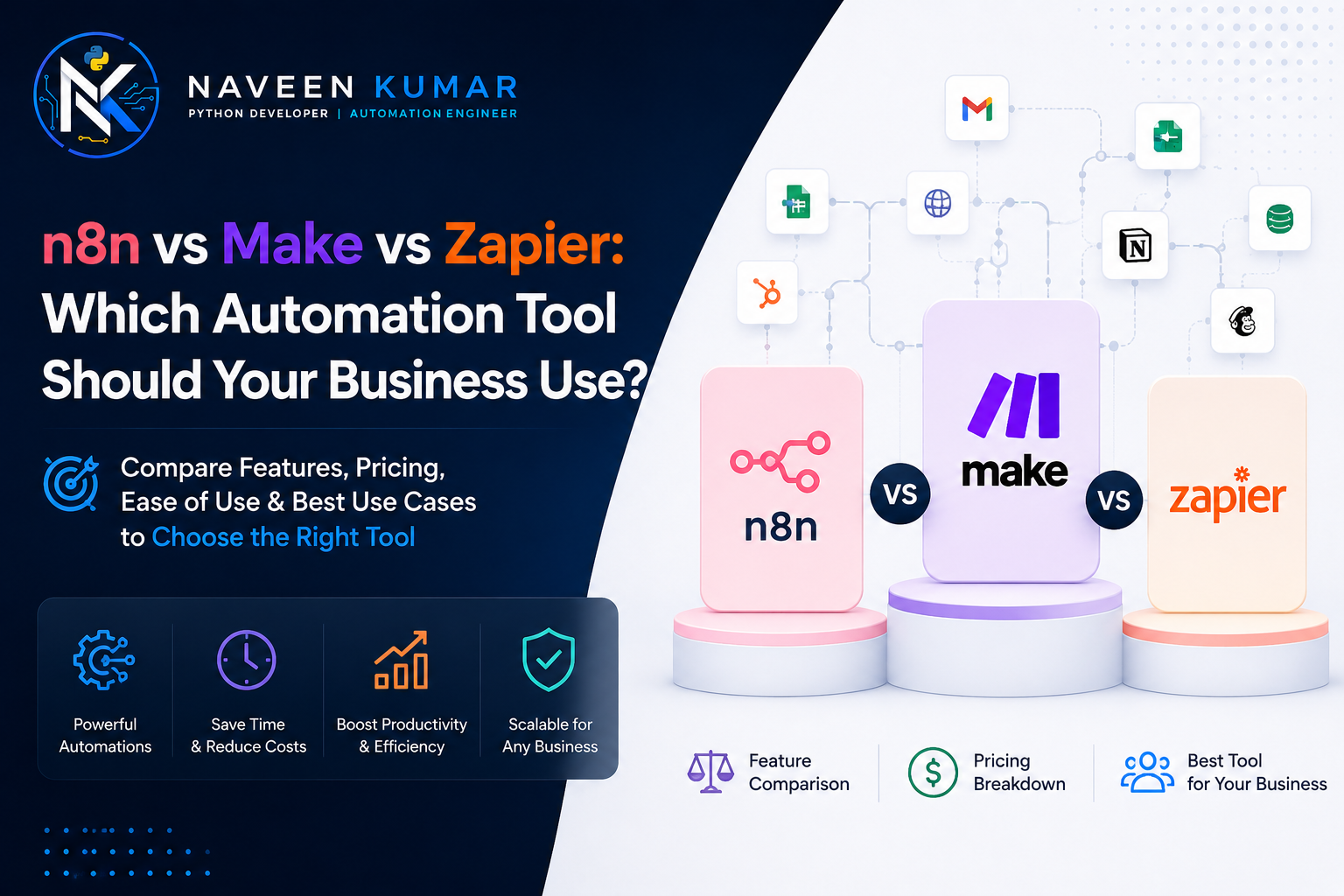
Here’s the short answer: Zapier is the easiest but the most expensive at scale. Make is the best value for most small teams. n8n is the cheapest at high volume and the strongest for AI workflows — if you have (or hire) someone technical. The rest of this guide explains how to pick for your situation, with real prices in rupees.
What Do These Three Tools Actually Do?
All three tools connect your business apps so tasks happen automatically — when something happens in App A (a trigger), they make something happen in App B (an action), without a human touching it.
A real example: a Gachibowli real estate agency gets a lead from a MagicBricks enquiry email. The automation reads the email, adds the lead to their CRM, sends the buyer a WhatsApp message within two minutes, and pings the agent on Telegram. That whole chain runs on any of these three tools. The differences are in price, power, and how technical you need to be.
- Zapier — the oldest and simplest. A step-by-step builder (“Zaps”) with the biggest app library, around 7,000–8,000 integrations. Built for people who’ve never touched an API.
- Make (formerly Integromat) — a visual drag-and-drop canvas where you see your whole workflow as a flowchart. Around 2,000+ integrations, and much better at branching logic (“if the lead is from Hyderabad, do X; otherwise do Y”).
- n8n — open-source and self-hostable. Fewer one-click integrations, but its HTTP Request node can talk to almost any service with an API. The most powerful of the three, and the only one you can run on your own server for free.
The Pricing Trick Nobody Explains: Tasks vs Operations vs Executions
The three tools count usage differently, and this matters more than the sticker price. Zapier charges per task (every single step), Make charges per operation (also every step), and n8n charges per execution (one full workflow run = one unit, no matter how many steps).
Say your workflow has 8 steps and runs 5,000 times a month. On Zapier that’s 40,000 tasks. On Make it’s 40,000 operations. On n8n it’s just 5,000 executions. Same work, three very different bills. This is why n8n gets dramatically cheaper as your workflows get longer and busier.
| Tool | Entry Paid Plan (2026) | Approx. in ₹/month | What You Get |
|---|---|---|---|
| Zapier | ~$19.99/mo (annual billing) | ~₹1,700 | 750 tasks — runs out fast on multi-step Zaps |
| Make | ~$9/mo Core plan | ~₹800 | 10,000 operations — the best entry value |
| n8n Cloud | €20/mo (annual) / €24 monthly | ~₹1,900–₹2,300 | 2,500 full workflow executions |
| n8n Self-Hosted | Free software + your server | ~₹400–₹1,500 (VPS only) | Unlimited workflows and executions |
Prices move around, so treat these as mid-2026 ballparks and check the official pricing pages before you commit. Free tiers: Zapier gives 100 tasks/month, Make gives 1,000 operations/month, and n8n self-hosted is free forever. Make’s free tier is genuinely usable for testing; Zapier’s runs out in a day or two of real use.
What Happens to the Bill When You Grow?
At around 10,000 workflow runs a month, Zapier can cost 5–8x more than n8n. This is the single biggest reason businesses migrate.
Take that same 8-step workflow running 10,000 times a month. Rough 2026 numbers: n8n Cloud handles it for about $50/month (~₹4,300). Make needs roughly $150–200/month (~₹13,000–₹17,000) because 80,000 operations pushes you into higher tiers. Zapier needs 80,000 tasks — $250–400+/month, which is ₹22,000–₹35,000. Self-hosted n8n? Still just your ₹1,000 server.
We’ve seen Hyderabad e-commerce sellers hit this wall in their first year — automation starts as a ₹1,700/month convenience and quietly grows into a ₹25,000/month line item. If your volume is climbing, run this math before renewing an annual plan.
Which One Can Your Team Actually Use?
Zapier is the easiest, Make is the middle, n8n is the most technical. Be honest about who on your team will build and fix these workflows — that answer matters more than any feature list.
Zapier: for teams with zero technical staff
The linear “when this happens, do that” builder means your office manager can set up a working automation in 20 minutes. When something breaks at 6 PM, they can usually fix it themselves. That self-service ability is what you’re really paying the premium for.
Make: for the “power user” who thinks in flowcharts
Make’s visual canvas shows the whole workflow at once — routers for branching, iterators for loops, error handlers. A comfortable Excel-and-formulas person can learn it in a weekend. It handles logic that would need three separate Zaps in Zapier, at a fraction of the cost.
n8n: for teams with a developer (in-house or hired)
n8n’s node-based builder is closer to a developer tool. You can drop in JavaScript or Python code, call any API, and build things the other two simply can’t. The trade-off: someone has to install it, update it, and debug it. If that someone doesn’t exist yet, factor a developer into your budget — setup is typically a one-time ₹5,000–₹20,000 job, then it mostly runs itself.
What About AI Agents and Chatbots?
For AI-heavy automation, n8n is the clear leader in 2026, with native LangChain support and 70+ AI-specific nodes. Make and Zapier added AI features too, but they treat AI as one more app to call rather than the core of the platform.
If your plan is “summarise incoming emails” or “draft a reply with ChatGPT,” all three tools handle it fine. If your plan is a WhatsApp bot that remembers each customer’s history, qualifies leads, and books appointments — an actual AI agent — n8n is where that gets built. It connects to OpenAI, Claude, Gemini, and even local models, and its agents can hold memory across conversations.
This matters locally: AI agent automation is the most requested project type we’re seeing from Hyderabad businesses in 2026, especially clinics and real estate teams wanting WhatsApp-based lead qualification. Nearly all of that work lands on n8n.
So Which One Should You Pick? A Simple Decision Guide
Pick based on two questions: do you have technical help, and how much will your automations run? Low volume + no tech help = Zapier or Make. High volume or AI plans = n8n.
- Choose Zapier if nobody on your team is technical, your workflows are simple (2–4 steps), volume is low, and you value speed of setup over monthly cost. Also the safe pick if you depend on a niche app only Zapier connects to.
- Choose Make if you want real power without code — branching logic, data transformation, multi-step scenarios — at the lowest entry price. The default recommendation for most Indian SMBs starting out.
- Choose n8n if your volume is high or growing, you’re building AI agents, your data shouldn’t sit on foreign cloud servers (self-hosting keeps everything on your own infrastructure), or your Zapier/Make bill has crossed ₹10,000–₹15,000 a month.
One honest note: don’t run two of these at once. You’d pay twice and manage workflows in two places. Pick one, and migrate later if the math changes — moving is a rebuild, not a nightmare.
Automation Tools for Businesses in Hyderabad, Telangana
Hyderabad businesses have a cost advantage most global comparison articles miss: developer time here is affordable enough that self-hosted n8n — the cheapest option at scale — is realistic even for small companies, not just enterprises.
In the US or UK, “hire a developer to set up n8n” costs more than a year of Zapier. In Hyderabad, with one of India’s deepest Python and JavaScript talent pools across the HITEC City–Gachibowli–Madhapur belt, a full n8n setup on a VPS is a small one-time project. That flips the usual advice: the “technical” option is often the budget option here.
What local businesses are automating in 2026:
- Real estate teams in Kondapur and Kokapet routing portal leads to WhatsApp within minutes — in a market this fast, a 2-minute response beats a 2-hour one.
- Clinics and diagnostics labs around Banjara Hills and Secunderabad sending appointment reminders and report-ready alerts, cutting no-shows.
- D2C and marketplace sellers in Kukatpally and Ameerpet syncing orders between Shopify/Amazon, inventory sheets, and shipping partners like Delhivery.
- IT and staffing firms in Madhapur auto-screening job applications and syncing candidate data between portals and their ATS.
Same story holds for teams we work with remotely in Mumbai, Bengaluru, New Delhi, Chennai, Noida, and Pune — the tooling advice doesn’t change, only the response time for an on-site visit does.
Naveen Kumar Software Solutions builds automation on all three platforms and self-hosts n8n for clients who want the unlimited-usage setup. A typical project — requirement call, tool recommendation with the cost math for your volume, build, and handover with documentation — takes 3–10 working days. You keep full admin access; no lock-in to us.
Frequently Asked Questions
Which is cheapest: n8n, Make, or Zapier?
At low volume, Make is the cheapest paid plan (around ₹800/month). At high volume, self-hosted n8n wins by a wide margin — you pay only your server bill (₹400–₹1,500/month) no matter how many workflows run. Zapier is the most expensive of the three once you cross a few thousand tasks per month.
Is n8n really free?
Yes — the n8n community edition is free to self-host on your own server with unlimited workflows and executions. You pay only for the server (a basic VPS costs ₹400–₹1,500/month). The paid n8n Cloud version starts around €20/month if you don’t want to manage a server.
Can a non-technical team use n8n?
Partly. Building simple n8n workflows is doable for a motivated non-technical person, but setup, hosting, updates, and debugging usually need someone technical. If nobody on your team can manage a server, either use n8n Cloud or hire a developer for setup and start with Make or Zapier for day-to-day edits.
Which tool is best for AI agents and chatbots?
n8n leads for AI work in 2026, with native LangChain support and 70+ AI-specific nodes for building agents that remember context. Make and Zapier both added AI agent features too, and they’re fine for simpler AI steps like summarising emails or drafting replies. For serious AI workflow projects, n8n is the standard choice.
Can I switch from Zapier to n8n later?
Yes, and many businesses do it once their Zapier bill crosses ₹15,000–₹20,000 a month. There’s no one-click import — each workflow gets rebuilt in n8n, which typically takes a developer 1–3 hours per workflow. Recreating app logins and webhooks is usually the slowest part of the migration.
Not Sure Which Tool Fits Your Volume?
Tell us what you want automated and roughly how often it runs. We’ll do the task-vs-operation-vs-execution math for your exact case and tell you which tool costs least over 12 months — usually within one working day, no charge for the recommendation.